

This post was written with Claude Code (Anthropic's claude-opus-4-7 model).
Over lunch I sat down with my design accomplice Claude and we wrote the templates, packaged the skill as a plugin, and put this post together.
TL;DR
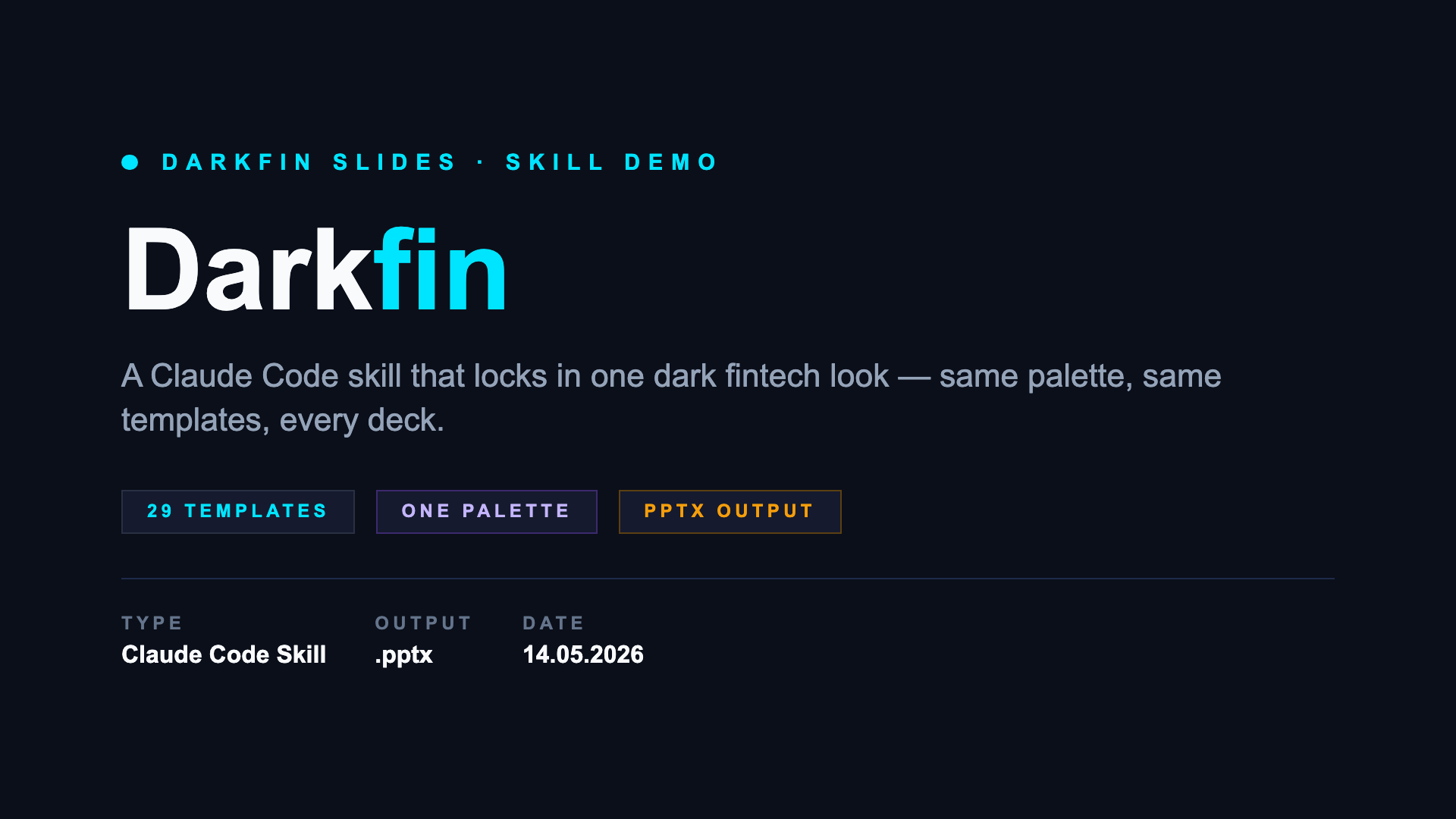
I built a Claude Code skill called darkfin-slides that always produces decks in the same dark fintech style. Same palette, same typography, same accents — every time. Just describe what the deck needs to say, and Claude picks templates and writes the HTML. A small Playwright + PptxGenJS pipeline turns the HTML into a .pptx.
Plugin: github.com/dinhnguyen/claude-plugins/tree/main/plugins/darkfin-slides
Why
I’m tired of making slides.
Not just the writing part — the visual part. Picking fonts, picking colors, deciding how big the title should be, whether the section divider needs an accent bar. It’s the same decisions every deck.
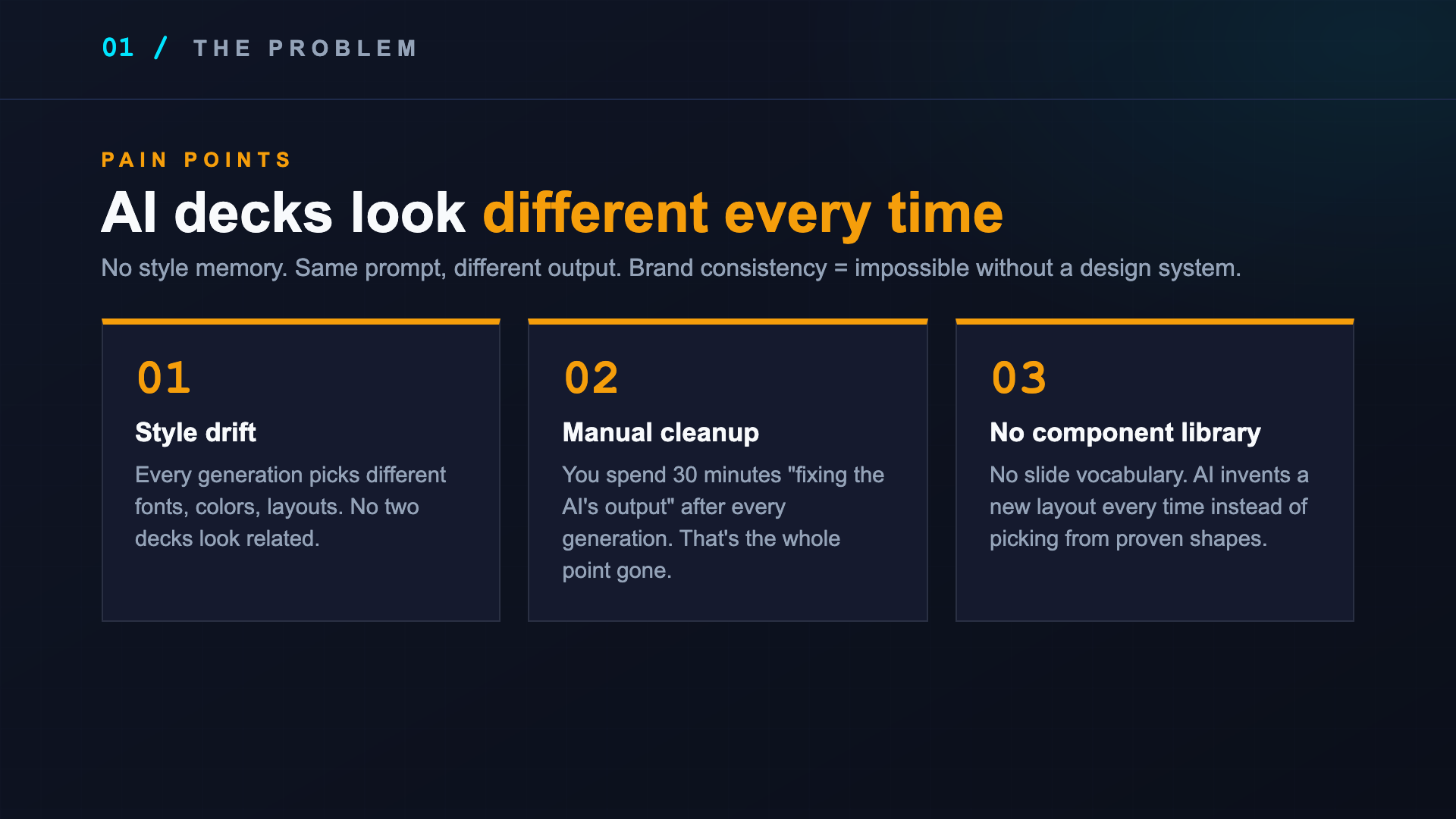
The obvious answer is “ask an AI.” I tried. The problem is the output style drifts every time. One day I get a deck that looks like a finance presentation. The next day, the same prompt produces something that looks like a kindergarten flyer. The model has no memory of my aesthetic, just whatever it was trained to think “modern slide” means today.
I wanted the opposite. One look. Consistent. Locked in.
What it is
A Claude Code skill that bundles:
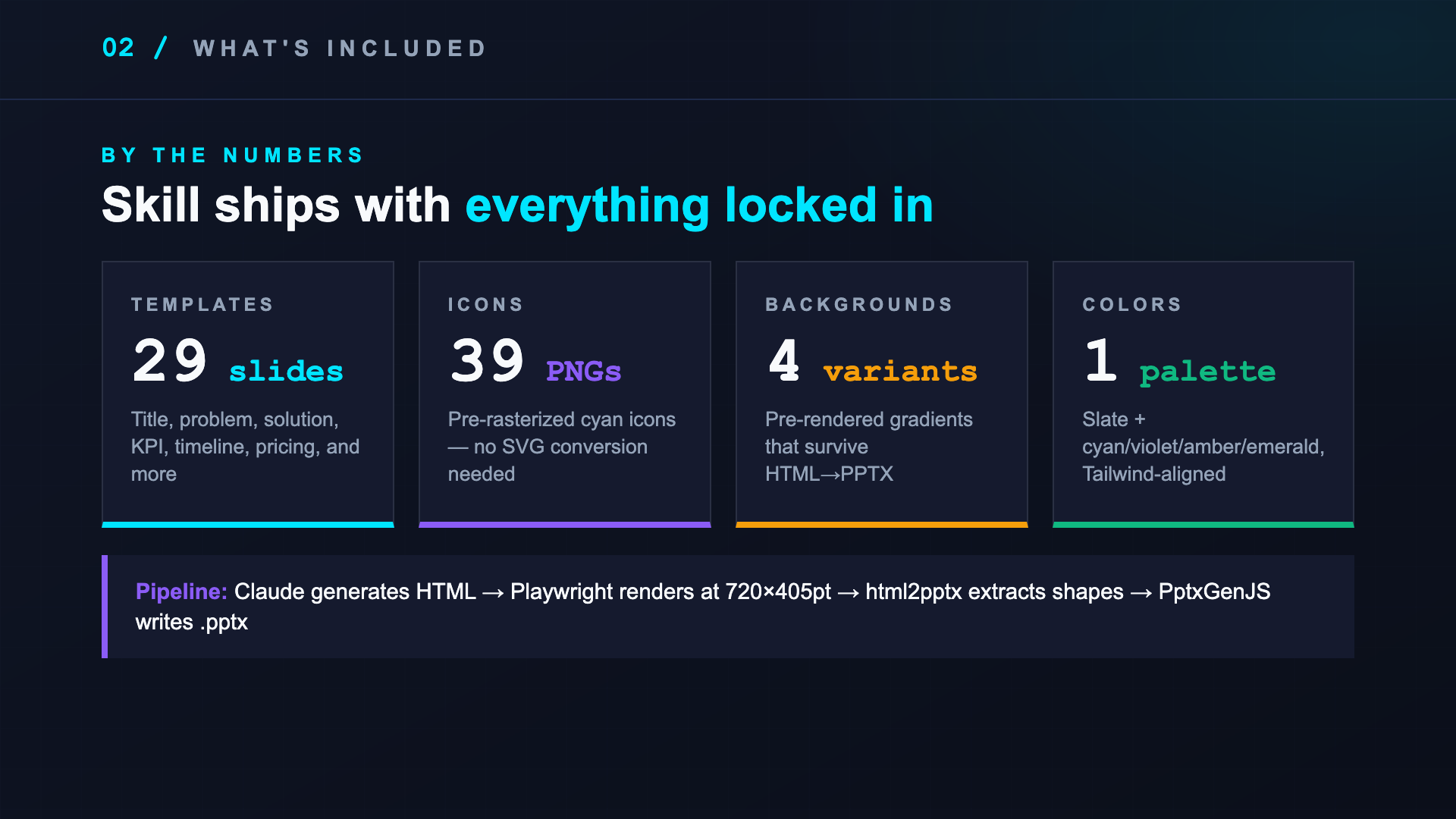
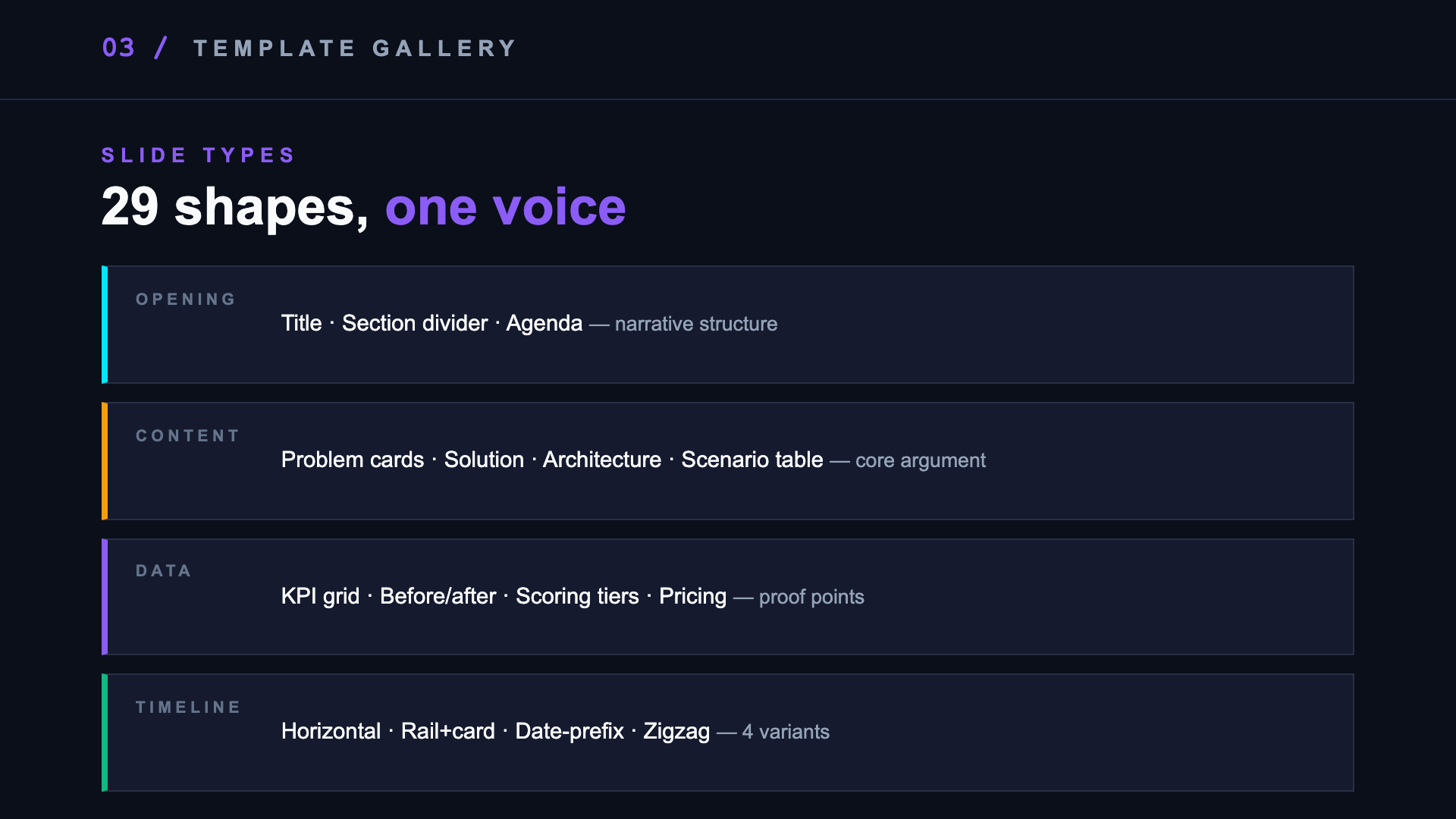
- 29 slide templates as ready-to-use HTML — title, problem cards, solution, KPI grid, horizontal + vertical timelines, pricing tiers, scoring tiers, and the rest of the usual pitch-deck shapes
- One palette — deep slate background, neon cyan as the primary, violet/amber/emerald as accents (Tailwind-aligned)
- 39 cyan icon PNGs — pre-rasterized so they don’t shift between requests
- 4 background PNGs — gradient glows pre-rendered, because CSS gradients don’t survive the HTML→PowerPoint conversion
- A converter — Playwright lays out each slide at 720×405pt, my
html2pptxscript extracts positioned shapes, PptxGenJS writes the file
Claude reads SKILL.md, picks templates that fit the brief, generates slides/01-*.html through slides/NN-*.html, runs node build.js, hands me a .pptx.
templates] B --> C[Write HTML
720×405pt] C --> D[Playwright
renders] D --> E[html2pptx] E --> F[.pptx on disk]
Default style is fixed. If I want a different tone for a specific deck, the skill asks me to confirm scope first, then runs regenerate scripts and does a sed find-replace on the hex codes in the workdir. Out of the box, I never need to think about it.
What’s nice about it
Three things landed better than I expected.
The “do not use this for” section. The skill explicitly tells Claude don’t use this for light/corporate decks, single posters, or editing existing pptx files. That single paragraph stops most misuse before it starts.
The troubleshooting table. html2pptx is picky — text outside <p> tags gets dropped, CSS gradients throw, body must be exactly 720×405pt. Instead of debugging the same errors every time, the skill has an error-message → one-line-fix table. Claude reads it before retrying.
The starter slide. After bootstrapping a new deck, the skill drops in a 00-hello.html that just says “Pipeline OK” in slate colors. I can run node build.js immediately and know the toolchain works before I write any real content.
Demo
Sample slides generated by the skill:
Working with Claude to build a deck
No prompt engineering needed. Just describe the deck like you’d brief a colleague.
What to say:
“Make a 10-slide pitch deck for [product]. Audience is [investors / ops team / customers]. Key points: problem, our solution, 3 differentiators, pricing, and a clear ask.”
Claude reads the brief, picks the right template shapes from the library (problem cards, KPI grid, timeline, etc.), drafts the copy, and generates the slides. You don’t pick templates manually — that’s the skill’s job.
Iteration works well:
“Slide 3 is too text-heavy. Break it into cards.”
“Add a before/after slide after the solution.”
“The ask slide needs to be stronger — we’re asking for a 3-month pilot.”
Claude edits individual slides in place, reruns the pipeline, and hands you a new .pptx. You’re editing content and structure, not CSS.
What doesn’t work:
- Vague briefs (“make it look impressive”) — give it actual content to work with
- Asking it to match a competitor’s visual style — the palette is locked, that’s the point
- Editing the
.pptxdirectly then asking Claude to continue — work in the HTML source
Changing the palette
Default is slate + cyan primary. If you need a different accent, just say so:
“Swap the violet accent to pink.”
“Use our brand color#FF6B35as the primary accent instead of cyan.”
“Keep the dark background but make the highlights gold.”
Claude will ask two questions before touching anything: what exactly changes (just one accent, or the whole palette?), and whether you have a brand hex to anchor from. Once confirmed, it runs the swap — regenerates the background PNGs, recolors the icons, and find/replaces the hex codes across all slide HTML files.
One thing it will always flag: replacing the cyan primary means the deck no longer reads as “darkfin.” That’s your call, not a blocker. But Claude won’t do it silently.
Stack
- html2pptx — custom converter (Playwright + PptxGenJS)
- react-icons + sharp — icon rasterization
- Tailwind slate palette — color tokens
- Distributed as a Claude Code plugin
Next time I need a pitch deck, I just ask Claude. Same style, every time.